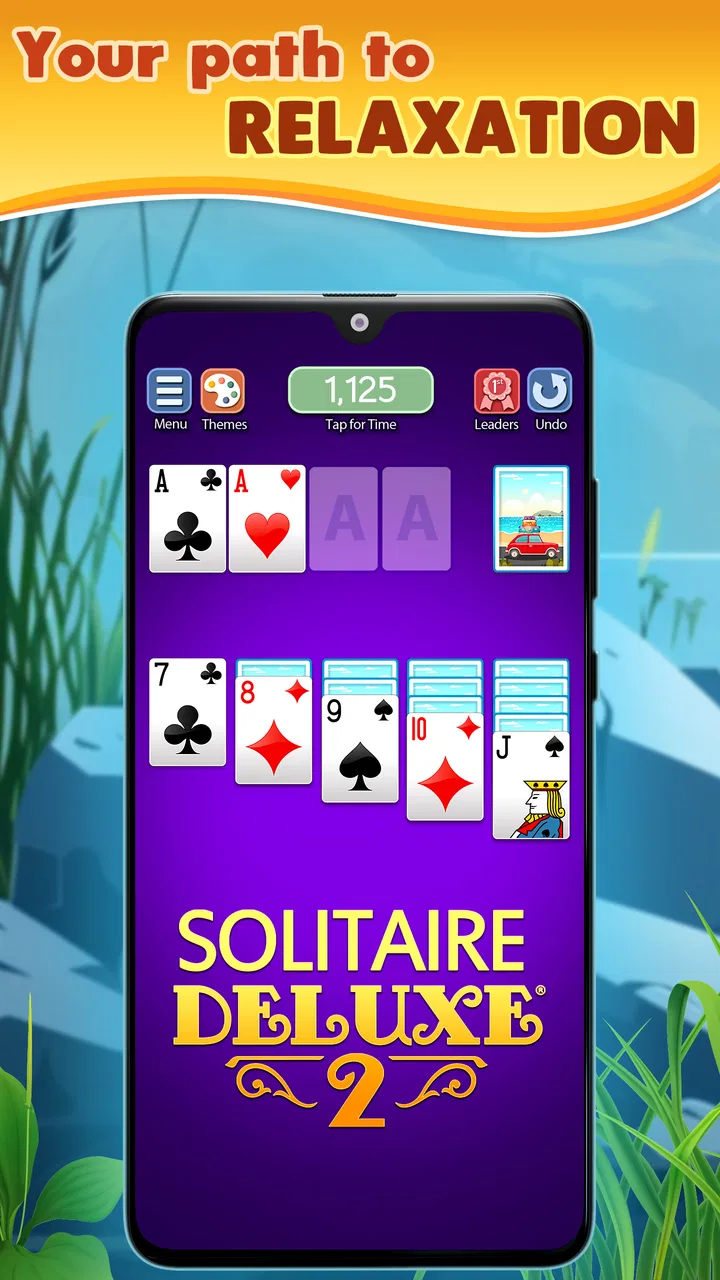
Solitaire Deluxe® 2: Card Game
- 4.3
- Rating
- 5.00M
- Installs
- Free
- Price

 Analysis by App-foxy
If you enjoy card games that let you slow down without demanding a long explanation, Solitaire Deluxe® 2 is an easy game to understand and surprisingly broad once you look beyond the familiar layout. I found it most useful in small gaps of the day: a quiet coffee break, a short wait, or an evening when I wanted something interactive but not stressful. It is a free card game from Murka Games Limited, built around a collection of solitaire variations rather than one single mode.
The first thing to understand is its basic promise. You are not downloading a competitive card battler, a story-driven adventure, or a game that expects constant attention. You are getting a relaxed solitaire package with more than twenty variations, including recognizable choices such as Spider, FreeCell, Pyramid, and Klondike. That range matters because the same familiar formula can feel either calming or repetitive depending on your mood.
The game has been available since March 3, 2015, and its long presence is reflected in its broad audience. It has passed five million installs, carries a 4.4 average from roughly forty-three thousand ratings, and has around eleven thousand written reviews. Those figures do not guarantee that every player will like the presentation or monetization, but they do suggest that the basic card-game loop has proved dependable for many people.
You May Also Like

 Blood Strike: 2.5 Anniversary
Blood Strike’s Loadouts Turn Every Drop Into a Tactical Gamble
A close look at Blood Strike’s custom loadouts: how fast access to signature weapons reshapes its battle royale rhythm, rewards preparation, and narrows the gap between fights.

 Pandora - Music & Podcasts
Pandora’s Music Is Easy to Start, but Harder to Recover
Pandora’s strength is its low-effort path from a seed to a station. Its weak spot is how much confidence it asks you to place in connection, setup, and quiet recovery.

 8 Ball Pool
 Is Built on Rivalries, Rematches, and Routine
A close look at the rivalries, rematches, shared routines, and unanswered safety questions that turn a quick pool match into a persistent mobile community.

 Samsung Music
’s Quiet Strength Is Playing What You Already Own
Its reach comes less from spectacle than from dependable access to a personal library. That simplicity is both the app’s strongest retention engine and its ceiling.

 AccuWeather: Weather Radar
AccuWeather Review: A Quick, Clear Forecast for Everyday Decisions
For everyday plans, the best forecast is the one you can understand quickly. AccuWeather makes rain timing, radar, and local conditions easy to act on, with a few trade-offs.

 Hill Climb Racing
Why Hill Climb Racing Still Turns Crashes Into One More Run
A tiny car, a bumpy hill and one more upgrade: Hill Climb Racing keeps resurfacing because its simple chaos makes every near-miss feel personal.
More From Our News Desk



Getting comfortable from the first deal
On Android, the game requires version 6.0 or later. That makes it accessible on many older devices, although the exact feel will still depend on your phone or tablet. The age rating is Everyone, which fits the straightforward nature of the card play. There is no need to learn a fictional world, memorize characters, or understand a complicated rules system before starting.
My advice for a first session is not to browse every available option immediately. Start with the most familiar solitaire style you already know. Klondike is the natural choice for many new players because its goal and card movement feel recognizable. If you have never played digital solitaire, take the first deal as a practice round rather than judging your skill by whether you win.
The useful mental shift is to treat the opening game as a short lesson in the controls. Tap a card to see how the game responds, try moving a visible card to a legal space, and pay attention to which piles accept new cards. The important early success is not finishing a complete deal. It is making one sensible move and understanding why it worked.
That approach removes a common source of frustration. New players often assume that every blocked position means they have made a mistake. In solitaire, a deal can become difficult because of the order of the cards, not because your last move was wrong. I prefer to pause after each move and ask whether it reveals a new card, opens a useful space, or improves the order of a pile. That simple habit makes the game feel more deliberate.
Choose the variation that matches your attention span
The large selection is one of the strongest reasons to use this particular app, but it can also make the first screen feel busier than expected. The different games are not just cosmetic changes. Spider asks for a different kind of planning from Klondike, while FreeCell gives you more visible information and rewards careful rearrangement. Pyramid has a quicker rhythm because matching cards is central to clearing the layout.
For a relaxed first attempt, I would stay with Klondike. For a player who dislikes hidden information, FreeCell is often a better next experiment because the visible arrangement gives you more room to think ahead. Spider is more suitable when you want a deeper planning challenge and do not mind spending longer on one deal. Pyramid works well when you want something that feels lighter and more immediate.
This is also where the app compares favorably with a basic solitaire alternative that offers only one familiar mode. A single-mode app can be cleaner and easier to open, but it may stop feeling fresh after repeated sessions. Here, you can change the type of puzzle when the usual deal no longer fits your mood. The trade-off is that variety creates more choices to navigate.
The first meaningful win is about reading the board
Once the controls feel natural, focus on the visible structure rather than trying to predict the entire game. In Klondike, uncovering a face-down card is often more valuable than making a move that merely rearranges cards you can already see. In FreeCell, an empty space can be useful as temporary storage, but filling it too quickly may remove flexibility. In Spider, building a sequence is satisfying, yet moving a partial sequence without considering the cards underneath can leave you with fewer options.
These small differences are why I would not play every variation with the same strategy. The app becomes more interesting when you stop treating solitaire as random card movement and start identifying the purpose of each move. Ask yourself what the move gives you next. Does it expose information? Create room? Complete a sequence? Remove a difficult card from the board?
A practical routine helped me more than chasing fast finishes. I first looked for moves that revealed hidden cards, then checked whether any empty spaces could be used safely, and only afterward committed to longer sequences. This is especially helpful on a phone, where the compact screen can make several possible moves look equally attractive at first glance.
Your first real success is not speed; it is making a move that leaves the next move easier to see. That principle applies across the collection and gives beginners a reliable way to improve without needing a tutorial-heavy experience.
What can feel confusing at the beginning
The biggest early confusion is usually not the rules themselves but the difference between a legal move and a useful move. A card may fit in a new position while still being a poor choice because it blocks another card or consumes a space you may need later. If a deal suddenly seems impossible, undoing a recent decision and trying the alternative is often more informative than restarting immediately.
Another point to watch is the contrast between the game families. A strategy that feels sensible in Klondike may be unhelpful in Spider. In one mode, exposing a hidden card can be the priority; in another, preserving a clean sequence may matter more. I recommend spending a few rounds in one variation before switching around. Otherwise, the collection can feel inconsistent when it is really asking for different types of planning.
It is also worth remembering that solitaire is not always a pure test of skill. The deal order affects the opportunities available, and some rounds will be more forgiving than others. I found it healthier to use the game as a small puzzle rather than as a measurement of intelligence. If a round becomes frustrating, changing to another variation gives you a fresh problem without abandoning the whole app.
How the free model affects the experience
The game is free to download and play, with in-app purchases ranging from $0.99 to $49.99 per item. For someone who only wants occasional solitaire, that makes it easy to try before deciding whether the broader package suits them. However, players who dislike any purchase prompts or who want a completely minimal card table may prefer a simpler alternative with fewer extras.
I would approach the purchase system with a clear rule: enjoy the free experience first and only consider spending if the available collection genuinely becomes part of your routine. There is no reason for a first-time player to buy anything before understanding which variations they actually enjoy. The value of this app comes from finding the modes that fit you, not from collecting options automatically.
Compared with a physical deck, the convenience is obvious. You can begin a round immediately, play with one hand, and stop when your break ends. Compared with a very stripped-down digital solitaire game, the advantage is choice, while the disadvantage is a potentially less focused experience. If you want one quiet layout with almost no browsing, a smaller app may feel more elegant. If you want to move between several established solitaire styles, this package makes more sense.
A realistic everyday way to use it
Imagine having ten minutes before an appointment. A long multiplayer game would be inconvenient because it expects you to remain available, while a puzzle with a story might punish you for leaving halfway through. Solitaire fits that moment better. I would open a familiar mode, make a few careful moves, and stop at a natural point rather than forcing a complete win.
For a longer evening session, I would switch to a variation that requires more planning. Spider or FreeCell can provide more mental involvement than a quick casual deal, especially when you deliberately avoid rushing. The collection therefore works at two speeds: a light distraction when you have only a few minutes and a more thoughtful card puzzle when you want to concentrate.
It can also suit players who are returning to digital games after a long break. The rules are easier to approach than those of many modern mobile titles, and the Everyone rating makes the game broadly suitable for households. I would still avoid presenting it as a social replacement for a physical card game. Its strength is solitary focus, not conversation or competition around a table.
Who will enjoy it, and who should skip it
I recommend it to people who like traditional card puzzles, want several solitaire formats in one place, or need a game that can be played in short, interrupted sessions. It is particularly appealing if you already know Klondike but occasionally want a different challenge without learning an entirely new genre.
I would be more cautious if you need a game with a strong narrative, constant novelty, or direct competition against other players. The collection changes the puzzle format, but it does not transform solitaire into a story campaign. Likewise, players who want a completely distraction-free interface may prefer a dedicated single-mode alternative with a narrower purpose.
It is not the best choice for someone who becomes annoyed by difficult deals or expects every round to be winnable through perfect decisions. Solitaire naturally includes uncertainty and dead ends. The right attitude is to enjoy the decision-making and accept that a restart can sometimes be part of the activity rather than a failure.
Details worth knowing before you settle in
The current version is 4.82.0, and the developer is Murka Games Limited. Those details are useful when checking that you are looking at the intended game, especially because solitaire titles often have similar names and familiar card imagery. The app’s established release history also means it is not a brand-new experiment, which may reassure players who prefer a known product.
When you first install it, give yourself time to identify your preferred rhythm instead of judging the whole collection from one deal. A player who finds Klondike too familiar may enjoy Spider. Someone who finds Spider too demanding may prefer Pyramid. The best experience comes from matching the mode to your current energy rather than assuming every variation should feel the same.
One useful habit is to keep a personal shortlist of two or three modes. Use one for quick breaks, one for deeper concentration, and one for days when you want a change. This prevents the choice screen from becoming part of the work and makes the app feel more like a reliable tool for different moments.
My recommendation after trying the full idea
Solitaire Deluxe® 2 succeeds because it understands that solitaire players do not always want the same puzzle. Its broad selection gives the familiar card format more staying power than a single Klondike table, while the simple rules keep the first session approachable. I especially like that a beginner can begin with one recognizable game and gradually explore more demanding variations without leaving the app.
My reservations are mainly about fit. The range of choices may feel excessive if you want a bare, silent card table, and the in-app purchase range means cautious users should explore before spending. The game also asks you to accept that some rounds will be awkward or unrewarding. Those are normal solitaire trade-offs, but they matter if you prefer tightly controlled puzzles.
For a first-time user, my path would be simple: install it on a compatible device, begin with Klondike, learn the movement rules through one or two unhurried deals, and then try FreeCell or Pyramid when you want a different kind of decision-making. Save Spider for when you are ready to plan several moves ahead. If that progression sounds appealing, this free card game is a worthwhile choice for quiet, flexible play rather than high-pressure entertainment.
FAQs for Solitaire Deluxe® 2: Card Game
01What makes Solitaire Deluxe® 2 different from other solitaire apps?
Solitaire Deluxe® 2 offers a unique blend of 20 different solitaire games all in one app, including classics like Klondike and Spider. It features daily challenges, customizable themes, and rewards, setting it apart with a more engaging and personalized gameplay experience compared to standard solitaire apps.
02Is Solitaire Deluxe® 2 free to download and play?
Yes, Solitaire Deluxe® 2 is free to download and play. However, the app offers in-app purchases for additional features and customization options. These purchases are entirely optional and designed to enhance the gaming experience, but they are not necessary to enjoy the core features of the app.
03Does Solitaire Deluxe® 2 require an internet connection?
Solitaire Deluxe® 2 can be played offline, making it convenient for users who may not always have access to the internet. However, an internet connection is required for accessing daily challenges and syncing game progress across multiple devices. This flexibility allows users to enjoy the game wherever they are.
04How does Solitaire Deluxe® 2 ensure user privacy and data security?
Solitaire Deluxe® 2 takes user privacy seriously by implementing industry-standard security measures. The app requests minimal permissions and ensures data is encrypted and securely stored. Users can review the privacy policy within the app to understand how their data is handled and what measures are in place to protect it.
05Can I customize the appearance of the game in Solitaire Deluxe® 2?
Yes, Solitaire Deluxe® 2 offers extensive customization options. Players can choose from a variety of card designs, backgrounds, and themes to match their personal style. This level of customization enhances the user's experience by allowing them to tailor the game to their preferences, making each session unique and enjoyable.
Pros
- Variety of solitaire games available.
- User-friendly interface and design.
- Daily challenges enhance engagement.
- Customizable themes and card backs.
- Offline play mode is available.
Cons
- Contains in-app advertisements.
- Some features require in-app purchases.
- Occasional performance lags.
- Limited social sharing options.
- High battery consumption on older devices.

Solitaire Deluxe® 2: Card Game
Gallery